
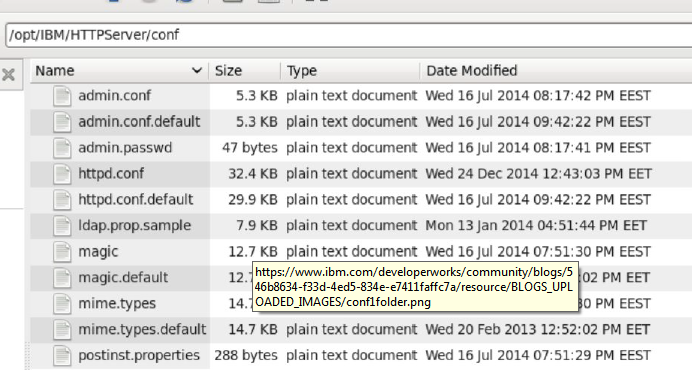
rotate logs ihs How one can limit Apache Server Log Files (IBM WebSphere HTTP Server). First of all, read the rotate_logs_IHS.pdf file in depth and make the changes accordingly to rotate logs for IHS. The effect of these changes is mentioned in the httpd.conf file.
Environment: WAS 7.x / 8.x
Write a script (Deletelogs.sh) which is placed in the same directory.
Script:
echo "Deleting Logs for Apache Server"
find /opt/IBM/HTTPServer/logs/error_log.* -mmin +10 -exec rm -f {} \;
exit;
edit cron file as mentioned below so that old files can be deleted automatically.
Open the shell / command terminal from Linux and type following:
crontab -l
crontabl -e
00 * * * * /opt/scripts/DeleteLogs.sh
Once done, now desired logs will be deleted automatically.
0 Comments
Leave a Reply
Your email address will not be published. Required fields are marked *